Sales Invoice
यह सामग्री अभी हिन्दी में उपलब्ध नहीं है।
The sales invoice is the document that creates a receivable. It is the first point in the sales cycle with a permanent accounting effect.
Overview
Section titled “Overview”An invoice can be raised from a delivery note (the usual route for goods), directly from a sales order, or from scratch. Whichever route you use, confirming the invoice posts to the customer ledger and the tax accounts, and allocates an invoice number that cannot be reused.
Once confirmed, an invoice cannot be edited. Correct it with a credit note, which is what the tax authorities expect to see.
Prerequisites
Section titled “Prerequisites”Before you begin
- The customer exists and is not blocked
- The goods have been delivered, or you are invoicing in advance deliberately
- The financial period of the invoice date is open
- The applicable price list covers every line
Opening the screen
Section titled “Opening the screen”- Sales
- Transactions
- Sales Invoice
Procedure
Section titled “Procedure”Open Sales Invoice
Use the navigation path above, then click New to start a fresh document.
Enter the header
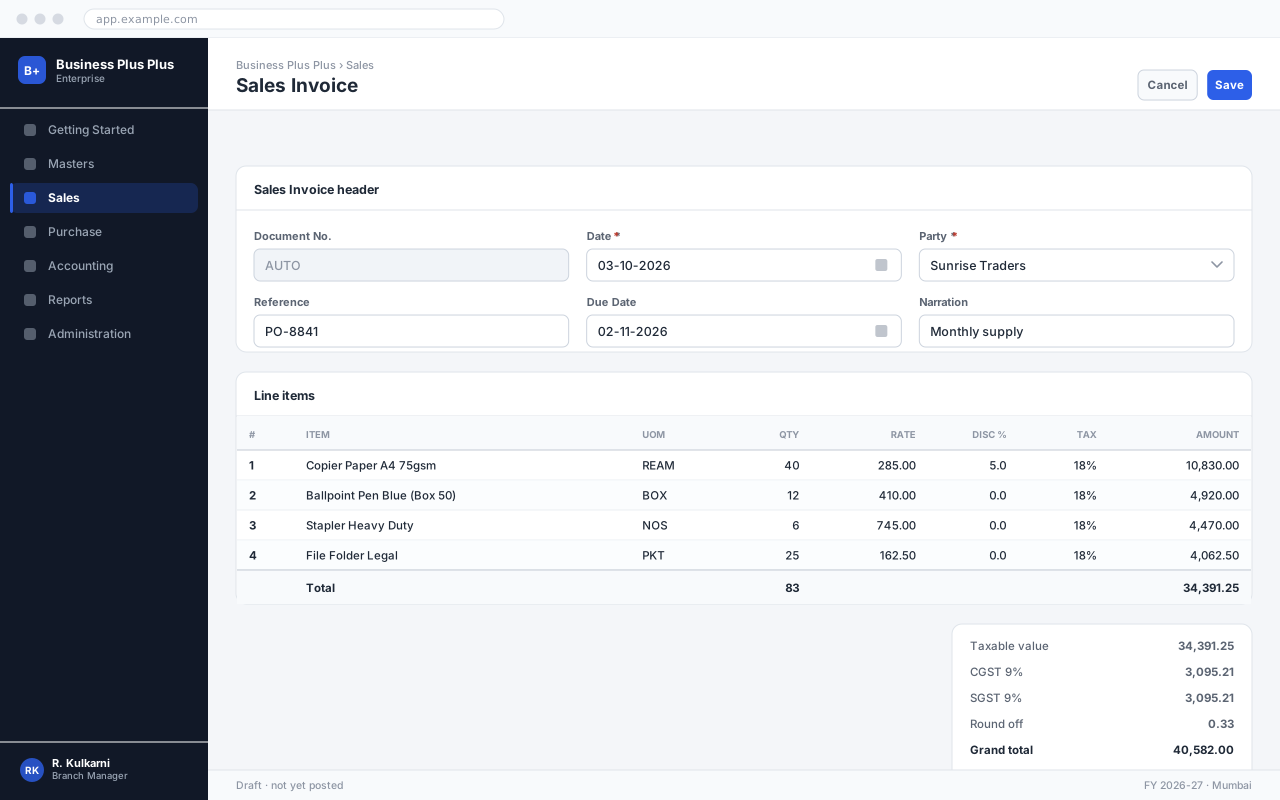
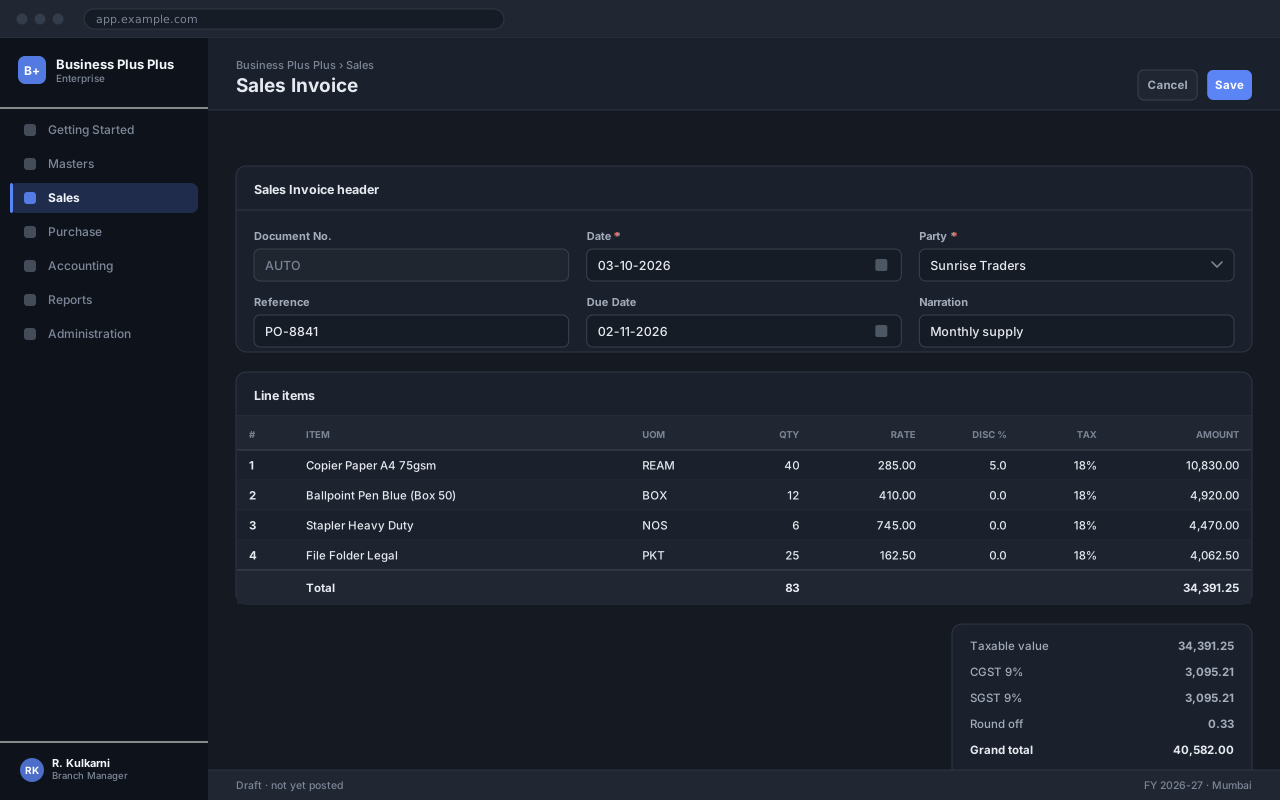
Set the date and select the party. The remaining header fields default from the party master and can be overridden.
Add the line items
Add one row per item. Rate and tax are proposed automatically; change them only if this document genuinely differs.
Check the totals
Compare the computed total against the source document before saving. The summary panel on the right breaks down taxable value, tax and the grand total.
Save and confirm
Click Save to record the document, then Confirm to post it. A saved-but-unconfirmed document has no accounting effect.
अपेक्षित परिणाम
The document is saved with a number from its series and a status of Confirmed, and appears in the sales Invoice list and the relevant reports.
Field reference
Section titled “Field reference”| Field | Type | Required | Default | Description | Notes |
|---|---|---|---|---|---|
| Invoice No. | Auto | Read-only | — | Allocated from the Sales Invoice series on confirmation. | Gap-free by law; cancel rather than delete. |
| Invoice Date | Date | Yes | Today | Tax point of the invoice. Determines the period it posts into. | Cannot be backdated into a closed period. |
| Customer | Dropdown | Yes | — | Billing party. Defaults the price list, terms and tax treatment. | |
| Billing Address | Dropdown | Yes | — | Sets the place of supply and therefore the tax split. | |
| Due Date | Date | Read-only | — | Computed from the invoice date and the payment terms. | Editable only with the Override Terms permission. |
| Delivery Note | Lookup | No | — | Source delivery note. Copies lines and marks them invoiced. | |
| Line Items | Grid | Yes | — | Product, quantity, rate, discount and tax per line. | |
| Round Off | Amount | Read-only | — | Difference applied to bring the total to the nearest unit. | |
| Grand Total | Amount | Read-only | — | Taxable value plus tax plus round off. This is the amount receivable. |
Sales Invoice fields
Important notes
Section titled “Important notes”Common problems
Section titled “Common problems”The Save button is disabled
A required field is empty or invalid. Fields in error are outlined in red with the reason underneath — scroll up, the first error is usually in the header.
You do not have permission to perform this action
Your role is missing the relevant permission for this screen. Ask an administrator to check it against Roles & Permissions.
The period is closed
The date falls in a financial period that has been closed. Either use a date in an open period, or ask an administrator to reopen it — which affects everyone, so it is rarely the right answer.
The rate comes in as zero
No price is configured for that combination of party and item on this date. Check the applicable price list, and whether its validity window covers the document date.
Frequently asked questions
Section titled “Frequently asked questions”Can I change the invoice date after confirming?
No. The date is the tax point and determines which period the entry posted into. Cancel and re-raise if it is wrong.
How do I invoice part of an order?
Fetch the order and set the quantity on each line to what you are invoicing now. The order stays open for the balance.
Why is the tax zero on an invoice?
Either the customer's tax category is exempt or unregistered, or the product has no tax code. Check the Tax tab on the customer and the HSN code on the product.
Can I email the invoice from the application?
Yes — the Print → Email action sends the PDF to the customer contacts marked for billing. The send is recorded against the invoice so you can prove it went.